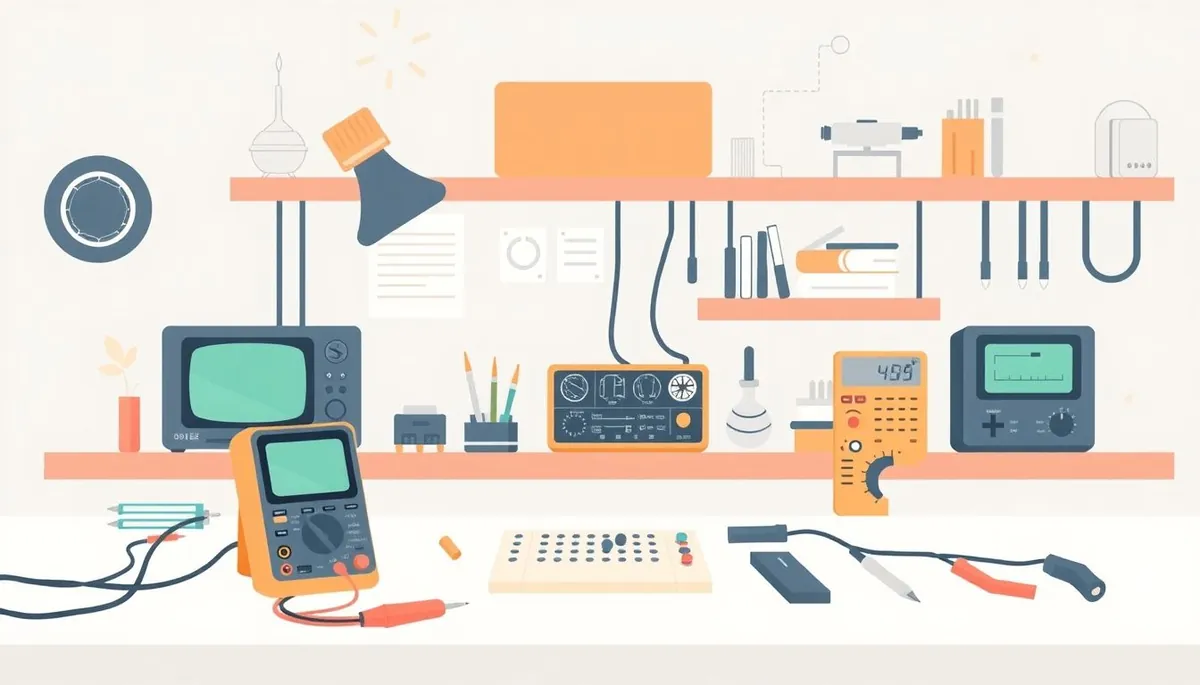
If you’re just starting out in electronics, it’s easy to get overwhelmed by the seemingly endless list of tools and gadgets that promise to make your projects easier or more professional. The problem is, buying every cool tool right away doesn’t just strain your budget—it clutters your workspace with gear you probably won’t use much, if at all, in the beginning. Focusing on the essentials and holding off on some fancy or advanced tools will save money and reduce frustration while you build foundational skills.
What This Article Covers
Phone cases · Sponsored
Phone Cases For All — 50,000+ designs. 15% off code FIRST15ALL
Here, we’ll go through five tools that many beginners think they “need” early on, but in reality, can skip until later. We’ll explain why they aren’t critical at the start, what alternatives or basic tools will get you by, and the point at which it actually makes sense to add them. The goal is to help you invest your time and money wisely, improving your learning curve without premature complexity.
See also: 9. The best multimeter under 50 dollars reviewed across 8 models
1. Hot Air Rework Station
What It Is
A hot air rework station is a soldering tool that blows heated air through a nozzle to melt solder on components, allowing for easy removal or reflow of surface-mount devices (SMDs).
Why Beginners Can Skip It
- Most beginner projects use through-hole components rather than fine-pitch SMD parts. Through-hole soldering only requires a simple soldering iron.
- Hot air stations require skill to avoid overheating or moving small components unintentionally.
- They tend to be expensive and often unnecessary until you delve into repairs or complex SMD projects.
Alternative
- A basic temperature-controlled soldering iron with a good assortment of tips covers most beginner needs.
- Beginner SMD projects or kit components often come with larger pads that are manageable without hot air.
2. High-End Oscilloscope (Very High Bandwidth and Sample Rate)
Phone cases · Sponsored
Phone Cases For All — 50,000+ designs. 15% off code FIRST15ALL
What It Is
Oscilloscopes visualize electrical signals and are crucial for debugging circuits. High-end scopes offer bandwidths of hundreds of MHz to GHz, deep memory, and many channels.
Why Beginners Can Skip It
- Most beginner electronics experiments run at low frequencies (audio range, microcontrollers).
- A moderate oscilloscope (20 MHz–100 MHz bandwidth) will handle typical signals like PWM outputs, audio signals, and simple microcontroller debugging.
- High-end scopes are cost-prohibitive and mostly beneficial for RF design, fast digital logic, or complex signal analysis.
Alternative
- Mid-range handheld or benchtop oscilloscopes (20–100 MHz) provide more than enough insight for most learning.
- Logic analyzers or inexpensive USB scopes cover many hobbyist applications.
3. Precision Bench Power Supply (High Current, Programmable)
What It Is
A bench power supply delivers adjustable voltage and current for powering circuits. More advanced models have microcontroller interfaces, programmable sequences, and high current ratings.
Why Beginners Can Skip It
- Early projects often run on batteries, simple adapters, or fixed voltage regulators—like 5V USB power.
- Programmable or multi-amp supplies add complexity and cost when a simple plug-and-play supply suffices.
- Cheap fixed-output adapters combined with a multimeter are often enough to test beginner breadboard circuits.
Alternative
- Use inexpensive 5V USB phone chargers, AA battery packs, or basic lab supplies.
- 1–3 A adjustable bench supplies can be bought later as projects grow in complexity.
4. Soldering Iron with Specialized Tips (e.g., Conical or Extra Fine)
Phone cases · Sponsored
Phone Cases For All — 50,000+ designs. 15% off code FIRST15ALL
What It Is
Soldering irons come with various tip shapes and sizes intended for different soldering tasks and component types.
Why Beginners Can Skip It
- Beginners primarily solder through-hole parts where a conical or fine tip isn’t required.
- Standard chisel tips provide better heat transfer and make soldering easier on larger joints.
- Specialized tips wear out faster and need more precise handling, which can frustrate beginners.
Alternative
- Stick with a medium-sized chisel tip on a temperature-controlled iron.
- When ready to work on delicate SMD components, consider adding fine tips.
5. Advanced Multimeter Features (e.g., Capacitance, Frequency, Temperature)
What It Is
Many digital multimeters (DMMs) include extra functions beyond voltage, current, and resistance, such as frequency counters, capacitance meters, or thermocouple temperature measurement.
Why Beginners Can Skip It
- Basic voltage, current, and resistance measurements solve the majority of beginner troubleshooting and project validation needs.
- Advanced features often require additional probes, understanding of measurement methods, and may be less accurate at lower cost.
- They add cost and complexity without immediate practical benefits.
Alternative
- A good-quality basic DMM with true RMS voltage measurement, diode test, and continuity checker is enough.
- Specialized meters or instruments can be purchased later if specific measurements become routine.
Summary Comparison Table: Tools Beginners Can Skip vs. Basic Alternatives
| Tool | Why Skip Now | Basic Alternative | When to Upgrade |
|---|---|---|---|
| Hot Air Rework Station | Mostly for SMD; adds complexity and cost | Temperature-controlled soldering iron | When doing advanced SMD rework |
| High-End Oscilloscope | Overkill bandwidth and features for beginners | Mid-range 20–100 MHz benchtop or USB scope | Entering RF, fast logic, or complex debugging |
| Precision Bench Power Supply | Costs and features not needed for simple circuits | Fixed voltage adapters, USB power | Working with high-current or multiple voltage projects |
| Specialized Soldering Tips | Unnecessary tip types add cost and complicate use | Medium chisel tip on good iron | Working on fine-pitch SMD parts |
| Advanced Multimeter Features | Extra functions to learn and seldom used initially | Basic true RMS DMM | Measuring capacitance, frequency, or temperature regularly |
When to Add These Tools
- Hot air station: Once you start repairing or assembling SMD projects, especially fine-pitch ICs.
- High-end oscilloscope: When you study RF circuits, need to analyze high-frequency signals, or do detailed digital timing analysis.
- Advanced power supply: After moving past simple breadboards to multiple-power-rail projects or high-current loads.
- Specialized soldering tips: When tackling SMD soldering that requires precision without bridging adjacent pins.
- Advanced multimeter features: Once you start measuring components like capacitors or troubleshooting equipment requiring frequency or temperature readings.
Frequently Asked Questions
Q: Can I use a regular soldering iron instead of a temperature-controlled one?
A: You can, but temperature control improves solder quality and tip lifespan by preventing overheating. It’s worth investing in from the start.
Q: What oscilloscope bandwidth do I really need as a beginner?
A: For most novice electronics projects, 20–50 MHz bandwidth suffices. Higher bandwidths are mainly necessary for RF or very high-speed signals.
Q: Is it okay to use cheap no-name multimeters?
A: For learning basic measurements, yes, but ensure it has true RMS voltage measurement and basic continuity and diode modes. Budget meters without these may give inaccurate readings and cause confusion.
Avoid cluttering your bench or budget by chasing every gadget. Focus on mastering the essentials first, and add specialized tools when your skillset and project requirements call for them. This practical approach will accelerate your learning and keep your workspace efficient and useful.
Our picks worth a closer look
- Dawn Ultra Dish Soap, Original Scent, 75 fl oz (2-Pack)Check on Amazon → — see current price and specs.
- Scott 1000 Sheets Per Roll Toilet Paper, 36 RollsCheck on Amazon → — see current price and specs.
- Amazon Basics AA Performance Alkaline Batteries, 48-CountCheck on Amazon → — see current price and specs.
- Tide PODS Laundry Detergent Soap Pods, Original Scent, 112 CountCheck on Amazon → — see current price and specs.
- ELEGOO UNO R3 Project Complete Starter Kit with TutorialCheck on Amazon → — see current price and specs.
