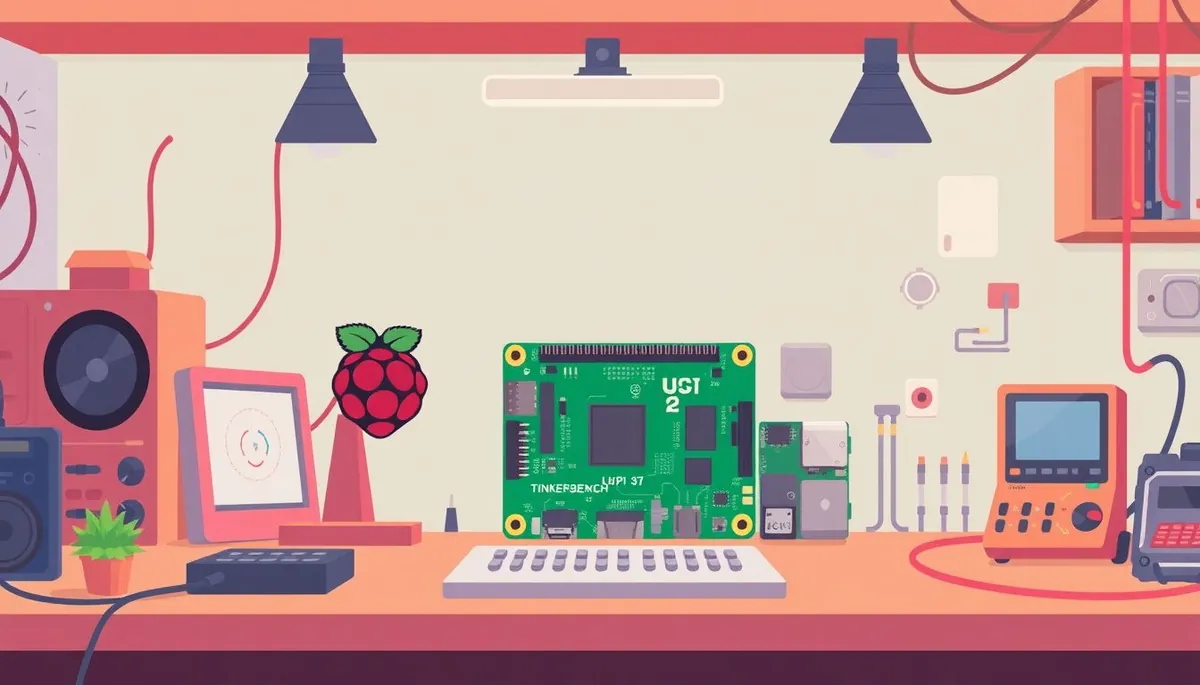
The Raspberry Pi 4 has long been a staple for hobbyist electronics projects, offering a solid balance of price, power, and versatility. With the arrival of the Raspberry Pi 5, many makers and bench technicians are wondering whether upgrading their existing setups or starting fresh with the Pi 5 is worthwhile. This comparison focuses on the practical differences that affect everyday hobbyist projects, including performance, tool compatibility, and value for your tinkering budget.
What Is the Raspberry Pi 5 and How Does It Compare to the Pi 4?
Phone cases · Sponsored
Phone Cases For All — 50,000+ designs. 15% off code FIRST15ALL
The Raspberry Pi 5 is the latest iteration in the popular single-board computer lineup, building on the foundation laid by the Raspberry Pi 4. Both models maintain the core focus on affordable, accessible computing hardware for makers, educators, and hobbyists.
Raspberry Pi 4 Overview:
- Released in 2019, it features a Broadcom BCM2711 quad-core Cortex-A72 CPU clocked at 1.5 GHz.
- Available with 2GB, 4GB, and 8GB RAM variants.
- USB 3.0 ports, Gigabit Ethernet, dual micro HDMI outputs, and a good range of GPIO pins and camera interfaces.
- Suitable for media centers, small DIY servers, retro gaming consoles, and prototyping IoT devices.
Raspberry Pi 5 Overview:
- Introduces a newer Broadcom BCM2712 chip with a quad-core Cortex-A76 CPU running at 2.4 GHz.
- Supports faster LPDDR4X RAM at up to 8GB.
- Upgrade to PCIe Gen 2 for NVMe SSD boot options, significantly speeding up storage I/O.
- USB 3.1 Gen 2 ports (better bandwidth than Pi 4’s USB 3.0).
- Improved power management and cooling options.
- Redesigned power delivery supporting USB-C PD for more stable and efficient power.
- Maintains 40-pin GPIO compatibility.
See also: 16. The cheapest decent oscilloscope in 2026 after testing 5 units
Key Improvements and What They Mean for Hobbyists
| Feature | Raspberry Pi 4 | Raspberry Pi 5 | Practical Impact for Hobbyists |
|---|---|---|---|
| CPU | Quad-core Cortex-A72 @ 1.5 GHz | Quad-core Cortex-A76 @ 2.4 GHz | ~60% increase in CPU speed, better for CPU-heavy tasks like emulation, compilation, and edge AI |
| RAM | Up to 8GB LPDDR4 | Up to 8GB LPDDR4X (faster memory) | Faster RAM helps with multitasking, buffering, and applications heavily reliant on memory bandwidth |
| USB Ports | 2x USB 3.0 + 2x USB 2.0 | 2x USB 3.1 Gen 2 + 2x USB 2.0 | Improved USB bandwidth aids in faster external storage and peripherals |
| Storage Interface | microSD card slot | microSD + PCIe Gen 2 (NVMe SSD boot support) | NVMe SSD boot drastically improves filesystem speed and reduces bottlenecks in data-heavy projects |
| Video Output | Dual micro HDMI (4k) | Dual micro HDMI (upgraded to 4k60 10-bit color depth) | Superior video output for digital signage, media centers, or display projects |
| Power Supply | 5V 3A USB-C | USB-C PD with programmable power profiles | More stable power allows for higher accessory loads and consistent operation |
| GPIO Compatibility | 40-pin header | 40-pin header (backward compatible) | Ensures existing HATs and accessories remain compatible without rewiring |
When to Choose Raspberry Pi 5 or Raspberry Pi 4 for Your Projects
Phone cases · Sponsored
Phone Cases For All — 50,000+ designs. 15% off code FIRST15ALL
Choose Raspberry Pi 4 when:
- Your current projects are running smoothly and don’t require extra speed or storage performance.
- Your budget is tight, and you mainly use the Pi for basic control tasks, sensor reading, or as a simple media hub.
- You rely on accessories (HATs, cases) that you already own and want guaranteed compatibility.
- You want a stable, well-supported platform with wide community-tested software available.
Choose Raspberry Pi 5 when:
- You want to build projects requiring faster processing, such as retro gaming emulators, AI edge computing, or lightweight server setups.
- Storage performance is critical—booting and running from an NVMe SSD reduces lag in data-heavy tasks and improves reliability.
- Future-proofing your build to take advantage of USB 3.1 peripherals or plan to use video-intensive applications like 4K displays or camera streams.
- You want improved power stability and better thermal handling for long-running or power-demanding projects.
Practical Examples Comparing Raspberry Pi 5 and Pi 4 in Common Hobbyist Scenarios
| Project Type | Raspberry Pi 4 Strengths | Raspberry Pi 5 Advantages | Recommendation |
|---|---|---|---|
| Retro gaming console | Compatible with popular emulators | Faster CPU improves emulation smoothness | Pi 5 for better performance |
| Home automation hub | Adequate for running home assistant | Faster boot and SSD support improve uptime | Pi 4 if you’re on a budget, Pi 5 if upgrading |
| Media center (Kodi, Plex) | Can drive 4K video smoothly | Supports 4k60 10-bit color and better USB | Pi 5 for future-proofing |
| Edge AI / ML projects | Slow inference speed on Pi 4 | Improved CPU and RAM benefit AI workloads | Pi 5 strongly recommended |
| General tinkering / IoT | Lower cost, wide accessory support | Faster processing, better power delivery | Pi 4 for beginners, Pi 5 for power users |
Considerations for Tool Precision and Component Longevity
Phone cases · Sponsored
Phone Cases For All — 50,000+ designs. 15% off code FIRST15ALL
One less obvious but valuable benefit of the Raspberry Pi 5 relates to bench work, especially when integrated with precision tools:
-
Power management stability: When prototyping with precision measurement tools (oscilloscopes, logic analyzers), stable power improves signal integrity. The Pi 5’s enhanced power delivery via programmable USB-C PD helps reduce electrical noise and voltage dips.
-
Heat dissipation and soldering iron tip life: The increased heat output from the faster CPU means Pi 5 projects may require better heatsinking or active cooling. Investing in a temperature-controlled soldering iron and maintaining iron tip cleanliness extends tip life especially when working on Pi 5 GPIO pins and headers, which may heat more noticeably.
-
Oscilloscope bandwidth vs price: The Pi 5 can handle data streaming from higher-bandwidth sensors or USB-based oscilloscopes better thanks to faster USB 3.1 Gen 2 ports. This enables workflows involving real-time data acquisition and analysis without bottlenecks common on the Pi 4’s slower ports.
Common Pitfalls to Avoid When Upgrading or Starting With Raspberry Pi 5
-
Assuming full backwards software compatibility: While most Raspberry Pi OS and popular Linux distros support the Pi 5, some niche or deeply embedded projects might require updates to drivers or firmware.
-
Ignoring thermal management: The more powerful CPU in the Pi 5 generates additional heat. Passive cooling (standard heatsinks used on Pi 4) may not suffice for extended workloads, risking thermal throttling.
-
Forgetting accessories compatibility: Despite the same GPIO header layout, check power adapters, cases, and HATs for Pi 5-specific fit and certification, particularly regarding the new power requirements.
-
Overpaying unnecessarily: If your project truly doesn’t demand the speed or PCIe storage support, the Pi 4 remains a well-balanced and cost-effective solution.
Conclusion
The Raspberry Pi 5 is a significant upgrade for hobbyists looking to push their projects into faster computing, higher I/O throughput, and better power handling. For newcomers or those on a budget, the Pi 4 remains an excellent, highly compatible device that covers most entry-level needs. Your choice boils down to your specific project requirements: Are you bottlenecked on CPU speed and storage I/O? Do you require superior video output or stability under load? If yes, Pi 5 is the way to go. Otherwise, the Pi 4 continues to be a reliable workhorse.
Frequently Asked Questions
Q: Can I use my existing Raspberry Pi 4 power supply with the Raspberry Pi 5?
A: It depends. The Pi 5 requires more stable and programmable power delivery via USB-C PD. Some Pi 4 chargers may work, but a certified USB-C PD power supply is recommended for consistent operation.
Q: Will my Pi 4 GPIO HATs work on the Raspberry Pi 5?
A: Yes, the 40-pin GPIO header is backwards compatible. Most existing HATs should work without modification, but verify for specific devices with custom power or timing requirements.
Q: Is the Raspberry Pi 5 worth it for basic DIY projects like blinking LEDs or sensor reading?
A: For simple hobby projects, the Pi 4 is still sufficient and more budget-friendly. Pi 5’s advanced features mainly benefit more intensive applications.
Our picks worth a closer look
- Dawn Ultra Dish Soap, Original Scent, 75 fl oz (2-Pack)Check on Amazon → — see current price and specs.
- Scott 1000 Sheets Per Roll Toilet Paper, 36 RollsCheck on Amazon → — see current price and specs.
- Amazon Basics AA Performance Alkaline Batteries, 48-CountCheck on Amazon → — see current price and specs.
- Tide PODS Laundry Detergent Soap Pods, Original Scent, 112 CountCheck on Amazon → — see current price and specs.
