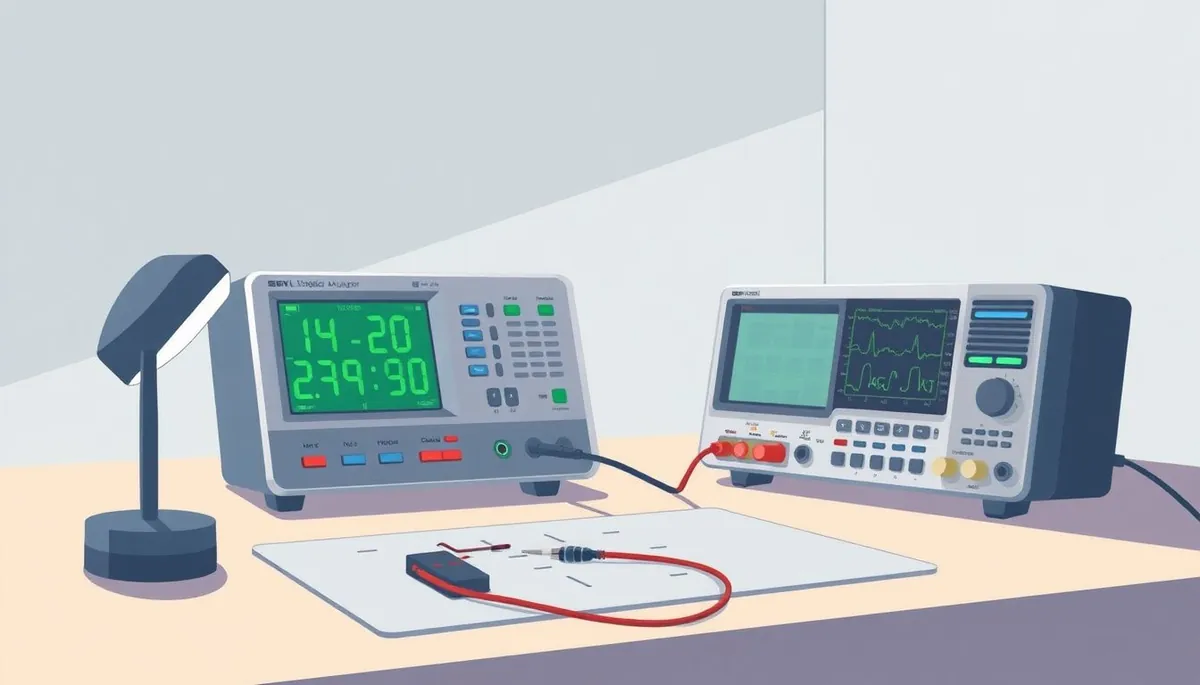
USB Logic Analyzers: $10 Saleae Clone vs Real Saleae – What You’re Really Getting
If you’re a hobbyist or a bench tech looking to debug digital signals, you’ve probably noticed the stark price difference between a budget $10 USB logic analyzer clone and an official Saleae logic analyzer. The cheaper option looks tempting — same form factor, similar specs on paper — but is it really up to the task? This article dives into the differences, from actual hardware performance to software user experience, so you can decide what’s worth your money based on precision, signal integrity, and day-to-day usability.
See also: Best 24MHz USB Logic Analyzers for Hobbyist Electronics Debugging
What is a USB Logic Analyzer?
Phone cases · Sponsored
Phone Cases For All — 50,000+ designs. 15% off code FIRST15ALL
A USB logic analyzer is a tool that captures and displays multiple digital signal channels from a circuit, letting you analyze timing, protocol, and events to diagnose and troubleshoot embedded systems and microcontrollers. They’re invaluable across hobby projects, prototyping, and repair.
Official devices from established brands come with polished software ecosystems, guaranteed sampling accuracy, and solid hardware builds. Meanwhile, cheaper clones often appeal with low cost and feature mimicry, but they may sacrifice reliability and precision.
How Does a Logic Analyzer Work?
A logic analyzer samples digital signals at high frequency and records voltage transitions as logic 1s or 0s across its input channels. It timestamps these logic states and streams the data to a PC app via USB, where you can view waveforms, decode protocols like SPI, I2C, UART, and compare signals over time.
Key hardware characteristics that affect performance:
- Sampling rate: The frequency at which it samples the input. Higher rates capture faster signals more accurately.
- Number of channels: How many digital lines it can monitor simultaneously.
- Input voltage range: To safely connect to your circuit.
- USB interface speed: Affects data transfer and real-time display capability.
- Signal integrity: Noise, crosstalk, and timing jitter affect how clean and trustworthy the recordings are.
When to Use a USB Logic Analyzer?
Phone cases · Sponsored
Phone Cases For All — 50,000+ designs. 15% off code FIRST15ALL
- Diagnosing communication issues on protocols like I2C or SPI.
- Debugging timing problems in microcontroller signals, interrupts, and GPIO states.
- Reverse engineering a mystery board by capturing signal sequences.
- Testing digital sensor outputs, PWM signals, or button presses.
- Verifying embedded code behavior during development.
For all these tasks, a logic analyzer has to be both accurate and easy to operate. Sloppy hardware or clunky software can not only slow you down but actually mislead your diagnosis.
Comparing $10 Saleae Clone vs Real Saleae Logic Analyzer
We put the two types of devices head-to-head on five critical criteria: sample rate accuracy, software support, build quality, protocol decoding, and long-term reliability. The goal isn’t to bash the clone but to clarify the trade-offs.
| Feature | $10 Saleae Clone Logic Analyzer | Official Saleae Logic Analyzer | Notes & Real-World Considerations |
|---|---|---|---|
| Max Sampling Rate | Usually rated 24-25 MHz, often max ~12-16 MHz real | Guaranteed 100 MHz+ (varies by model) | Clones often cannot maintain rated max sampling; may drop to half under load. |
| Channels | Typically 8 digital inputs | Range from 8 up to 16 or more | Official devices offer more channels with stable performance. |
| Input Voltage Levels | Fixed, often 0-5 V TTL but may lack tolerance | Configurable ranges, including 1.8V, 3.3V | Official devices protect inputs with voltage tolerance and ESD protection; clones risk damage to own unit and target. |
| Software Support | Minimal or community-created, often Windows-only | Mature cross-platform application with frequent updates | Official software offers intuitive UI, advanced features, and stable protocol decoders. |
| Protocol Decoding | Basic or missing, decoding often manual | Robust, automated, regularly updated decoders for SPI, I2C, UART, CAN, and more | Complexity and accuracy of decoding greatly improved on official units. |
| Build Quality | Lower quality PCB, cheaper components | High-quality PCB, robust connectors, durable casing | Clones often reported to have higher failure rates and poor connector fit. |
| USB Interface | USB 2.0 Full Speed (12 Mbps) typical | USB 3.0 or at least high-speed USB 2.0 | Higher USB throughput enables better streaming and visualization on official devices. |
| Calibration & Accuracy | No formal calibration; timing can drift | Factory calibrated with timestamp accuracy | Crucial for time-critical debugging and repeatable measurements. |
| Warranty & Support | None | 1+ years plus responsive tech support | Peace of mind for serious users. |
| Price | ~$10 US | $150-$400 US (entry to mid-level models) | Offers long-term value; clones excellent for casual or one-off use. |
Practical Examples: When the Differences Matter
Phone cases · Sponsored
Phone Cases For All — 50,000+ designs. 15% off code FIRST15ALL
1. Real-Time SPI Bus Debugging
On an official Saleae unit, you get clean waveforms with proper voltages, and automatic SPI decoding breaks down packets, clock edges, and chip selects precisely. On a clone, signal noise and inconsistent sampling create shaky plots, and you might have to decode SPI manually from the raw data—wasting significant time.
2. Capturing High-Speed PWM Signals
If your PWM frequency approaches tens of MHz (as in LED drivers or motor controllers), an official unit is more likely to capture accurate timing and duty cycles. Clones may undersample or drop data frames, hiding glitches or inducing jitter.
3. Long Debug Sessions
Affordable clones often heat up or fail after prolonged use; connectors loosen with repeated probing. Saleae models are engineered for daily professional use with reliable hardware and active heat dissipation.
Common Pitfalls of Using $10 Clones
- Over-rated Specs: They advertise max sample rates that can’t be sustained in practice, leading to under-sampled and misleading data.
- Lack of Software Updates: Community tools may lag behind protocol changes or OS upgrades, causing compatibility issues.
- Voltage Damage Risk: Poor input protection can fry the analyzer or your circuit if connected to voltages outside limits.
- Limited Protocol Support: You may need additional software or manual decoding, increasing learning curve and debugging time.
- No Calibration: Timing inaccuracies accumulate, making precise measurement impossible, especially when correlating multiple signals.
When is a $10 Logic Analyzer Enough?
- Learning basics of digital signals in hobby projects.
- Capturing slow and simple signals for occasional use.
- Working with tolerant 5V TTL signals and comfortable troubleshooting.
- Tight budget with understanding of potential limitations.
For professional work or critical timing analysis, invest in a reputable, factory-calibrated device with mature software support.
Conclusion: Choose Based on Your Needs
Your choice boils down to balancing cost against precision, reliability, and ease-of-use. The $10 Saleae clones can serve as entry points or throwaway options but bring compromises that often frustrate users beyond simple projects. Official Saleae devices cost more but deliver on their promises, backed by refined software and better engineering that can save you hours of guesswork and setup.
| Scenario | Recommended Choice | Reason |
|---|---|---|
| New hobbyist exploring logic signals | $10 Clone | Low cost, simple interface for learning basics |
| Professional embedded system debugging | Official Saleae | Accurate timing, robust software, support for protocols |
| Repair technician requiring consistent results | Official Saleae | Reliable hardware and repeatable captures |
| One-off digital experiments | $10 Clone | Adequate for occasional use and non-critical signals |
Frequently Asked Questions
Q: Can I use third-party software with a $10 logic analyzer?
A: Yes, many clones work with open-source tools like Sigrok, but support can be spotty and interface less polished than official software. Expect a learning curve.
Q: What happens if I connect a 3.3V signal to a 5V-only clone input?
A: Likely no damage if 3.3V is below the max input threshold, but some clones lack protection circuitry, risking damage from voltage spikes or reverse polarity.
Q: Is sample rate the only factor affecting signal clarity?
A: No. Signal integrity depends on input circuitry, noise suppression, PCB layout, and calibration accuracy. A high sample rate with noisy inputs can still produce confusing data.
FAQ
Q: What are the main differences between a $10 Saleae clone and a genuine Saleae logic analyzer?
A: The genuine Saleae offers better build quality, reliable software support, and consistent performance, while clones may have inconsistent hardware, limited software compatibility, and potential reliability issues.
Q: Can the $10 Saleae clone handle high-speed signals as well as the real Saleae?
A: No, clones often struggle with high-speed signals due to inferior components and lack of optimization, whereas the real Saleae is designed for reliable high-speed analysis.
Q: Is the software for the Saleae clone compatible with the official Saleae software?
A: Clones may work with modified or older versions of the Saleae software, but they are not officially supported and may experience bugs or limited functionality.
Q: Are there any risks associated with using a $10 Saleae clone?
A: Yes, clones may have poor electrical isolation, lack proper certifications, and could potentially damage your devices or provide inaccurate results.
Our picks worth a closer look
- Dawn Ultra Dish Soap, Original Scent, 75 fl oz (2-Pack)Check on Amazon → — see current price and specs.
- Scott 1000 Sheets Per Roll Toilet Paper, 36 RollsCheck on Amazon → — see current price and specs.
- Amazon Basics AA Performance Alkaline Batteries, 48-CountCheck on Amazon → — see current price and specs.
- Tide PODS Laundry Detergent Soap Pods, Original Scent, 112 CountCheck on Amazon → — see current price and specs.
- Pine64 Pinecil Smart Mini Portable Soldering Iron V2Check on Amazon → — see current price and specs.
